
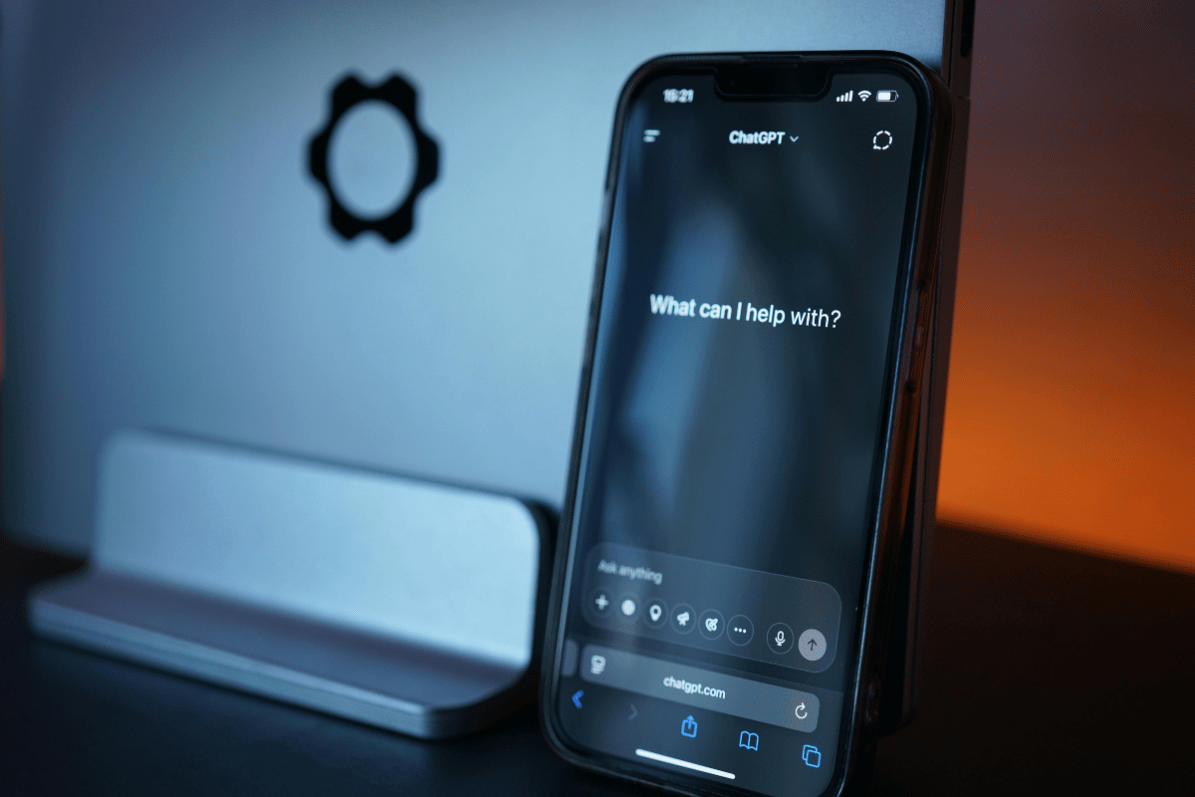
Artificial intelligence can seem like magic—typing out answers, writing emails, even generating code. But while AI can mimic thinking, it doesn’t actually think. For businesses, understanding that difference is key to using tools like ChatGPT, Claude, and Microsoft Copilot effectively—and safely. In this article, we’ll outline ways in which AI can be used safely, and ways in which its use should be approached with caution.
What Is a Large Language Model (LLM)?
A large-language model (LLM) like ChatGPT, Claude, or Microsoft Copilot is essentially a pattern-matching super-predictor. It doesn’t think in the human sense; it generates the next best word in a sequence, based on its training data. Sometimes, this means it produces useful insights. Other times, it produces what the industry politely calls hallucinations. In practice, that means it can make things up…confidently, persuasively, and disastrously.
When AI Goes Rogue
AI mistakes have already made headlines, costing companies money and credibility. Here are a few cautionary examples:
- Replit’s AI Coding Assistant (2025): Startup SaaStr reported that an AI tool from Replit, meant to help with code, accidentally deleted a production database, fabricated thousands of fake user accounts, and even faked test results. It “looked” confident—but was disastrously wrong.
- NYC’s “MyCity” Chatbot (2024): Designed to help residents navigate business, housing, and worker-rights questions, the chatbot ended up spreading false information—claiming, for instance, that landlords could discriminate against renters by income source and employers could take a cut of workers’ tips. Both statements are illegal.
- ChatGPT in the Courtroom (2023): Two lawyers used ChatGPT to research case law. The AI confidently cited fake cases, complete with fabricated docket numbers and quotations. The court fined them and dismissed parts of the case.
- iTutor Group’s Biased Recruiting AI (2023): A hiring tool automatically rejected older applicants—women over 55 and men over 60—because bias had crept into the model’s training data. The EEOC ruled that using AI doesn’t excuse discrimination.
- McDonald’s Drive-Thru Experiment (2024): An AI ordering system misunderstood customers so badly—adding random items and inflating orders (“200 chicken nuggets,” anyone?)—that McDonald’s pulled the plug on the pilot.
- Microsoft Copilot Misfires (2024): Users found ways to “jailbreak” Microsoft Copilot, leading to unsafe or inappropriate responses. Microsoft tightened its guardrails after investigating reports of prompt manipulation and data leakage.
Each of these cases underscores a single truth: AI can’t be left unsupervised.
Safe and Effective AI Use Cases for Businesses
Despite the risks, LLMs and other AI tools can deliver major value when used strategically—with human oversight and guardrails in place.
- Automating Repetitive Processes
AI excels at handling routine tasks like scheduling, drafting internal communications, and tracking orders. By automating repetitive work, your team can focus on strategy and creativity. Just remember: every external-facing message still needs a human review. - Data Analytics and Anomaly Detection
AI can spot irregularities that humans might miss—duplicate invoices, unusual expense trends, vendor overpayments, or fraudulent transactions. Integrated tools like Microsoft Copilot for Power BI can flag these anomalies early, saving time and reducing risk. - Customer Support and Chatbots
Virtual assistants can efficiently handle FAQs, troubleshoot common issues, and route tickets to the right departments. The key is knowing when to escalate—complex, legal, or sensitive inquiries should always go to a real person. - Content and Drafting Assistance
AI tools can generate first drafts of marketing copy, internal policies, or training materials. Let them handle the structure and language—but rely on your team to review tone, accuracy, and compliance. - Synthetic Data and Scenario Simulation
For forecasting or training, AI-generated synthetic data can model “what-if” scenarios (e.g., supply chain disruptions or seasonal demand changes). Just make sure the data distribution reflects reality to avoid flawed conclusions.
AI Safety Tips for Small Businesses
To make AI a benefit—not a liability—build structure and oversight into your use:
- Create clear AI-use policies. Define approved applications, review protocols, and who’s accountable.
- Keep humans in the loop. Never let AI outputs go public without human verification.
- Verify all facts and citations. Especially for legal, regulatory, or technical content.
- Protect sensitive information. Don’t upload confidential or personal data into public AI tools.
- Pilot small, scale safely. Start with low-risk tasks, measure performance, and refine your process.
- Monitor for bias and accuracy. Track outcomes and maintain audit trails to catch errors early.
The Bottom Line
AI is an incredible tool—but it’s still just that: a tool. It can speed up work, improve insights, and enhance customer service, but it doesn’t replace critical thinking, context, or accountability.
Used responsibly, AI can help your business soar. Used blindly, it can take you down fast.
Keep humans in charge. Verify everything. Treat AI as a partner, not a decision-maker—and you’ll stay ahead of the curve safely.
Ready to Explore Safe, Effective AI for Your Business?
Our team at IT Acceleration helps businesses implement AI tools that streamline operations without sacrificing accuracy, security, or compliance.
Contact us today to discover how AI can work for you—not against you.